Philippines

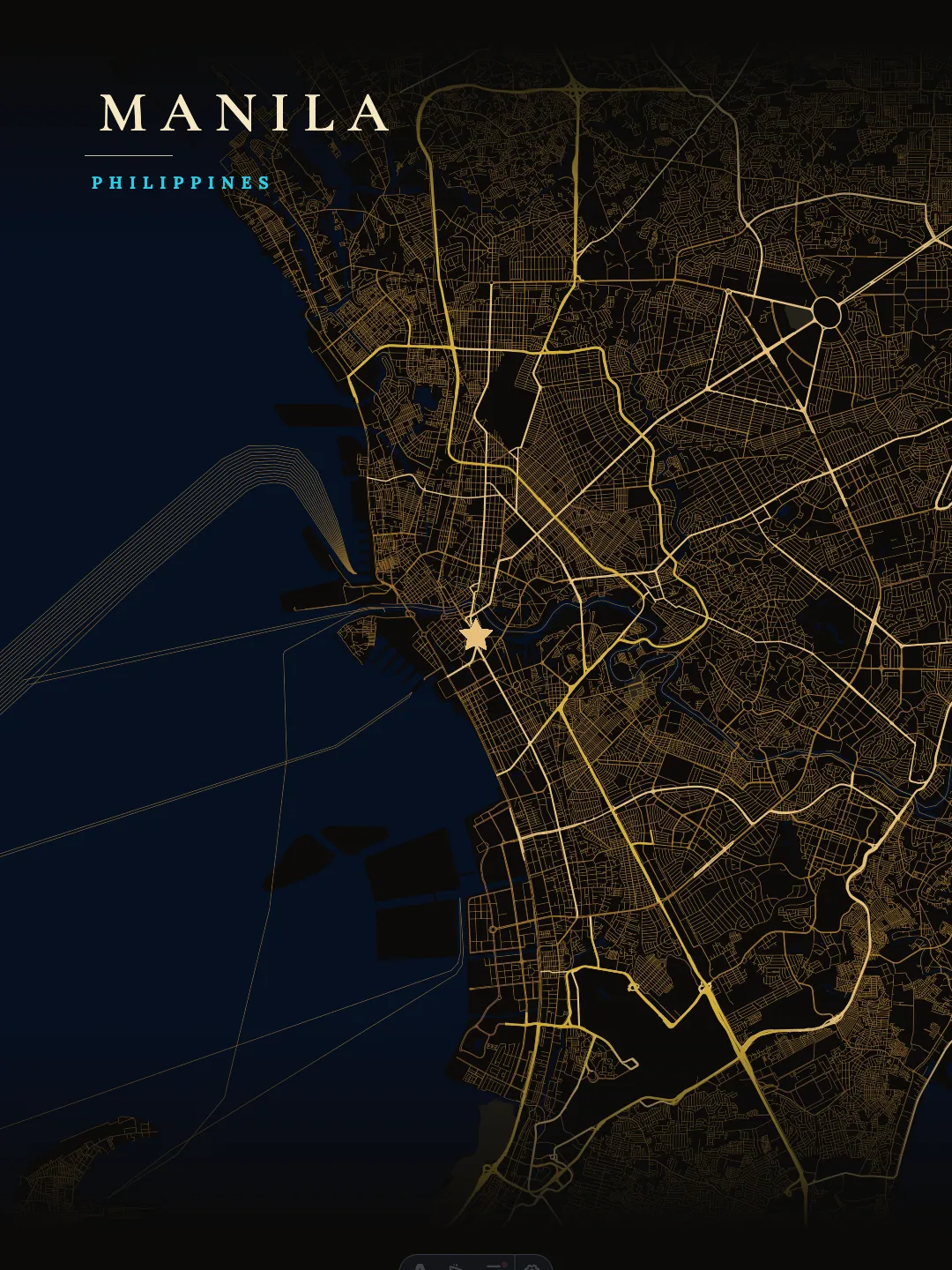
Dark Map of Manila

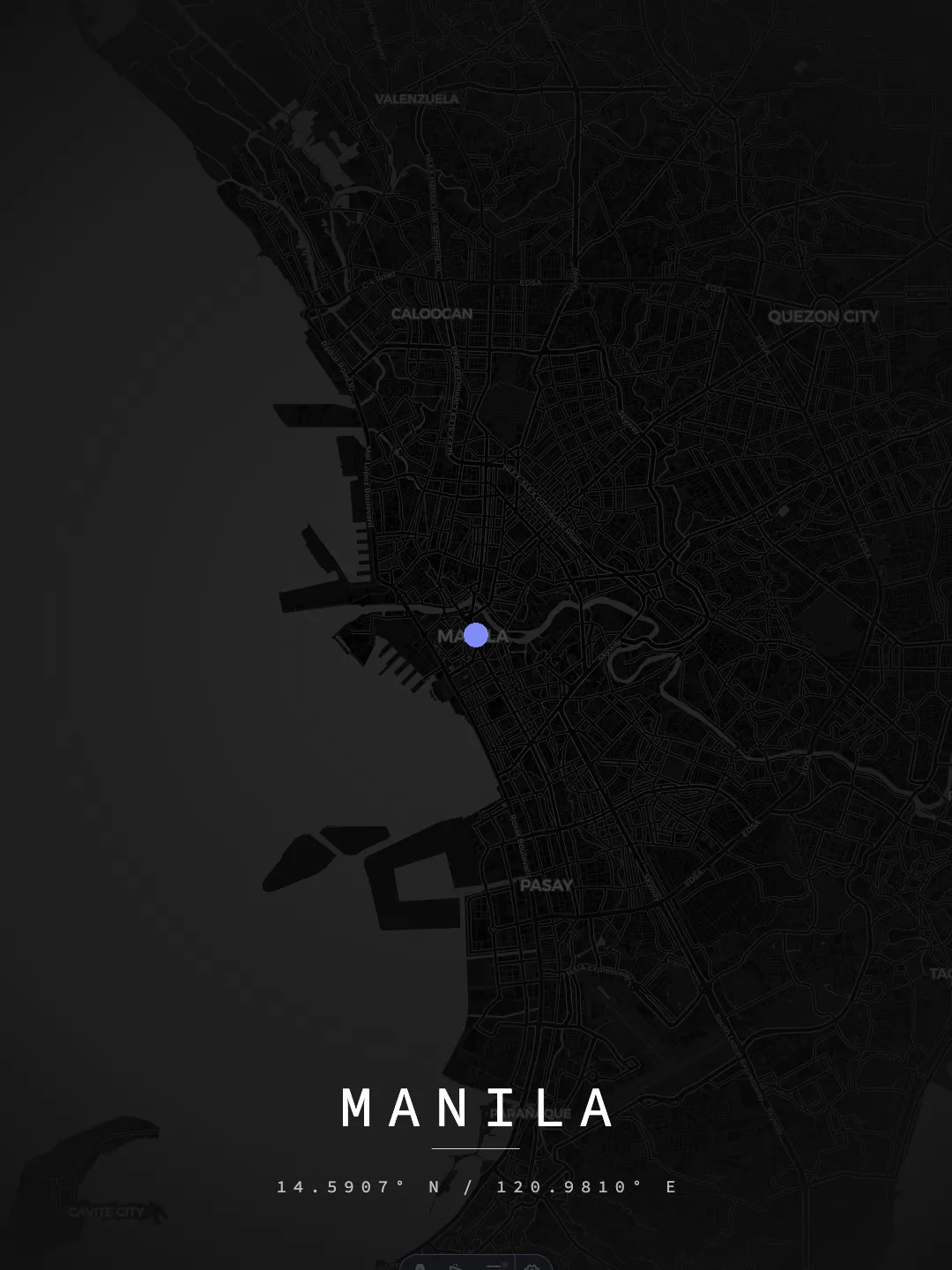
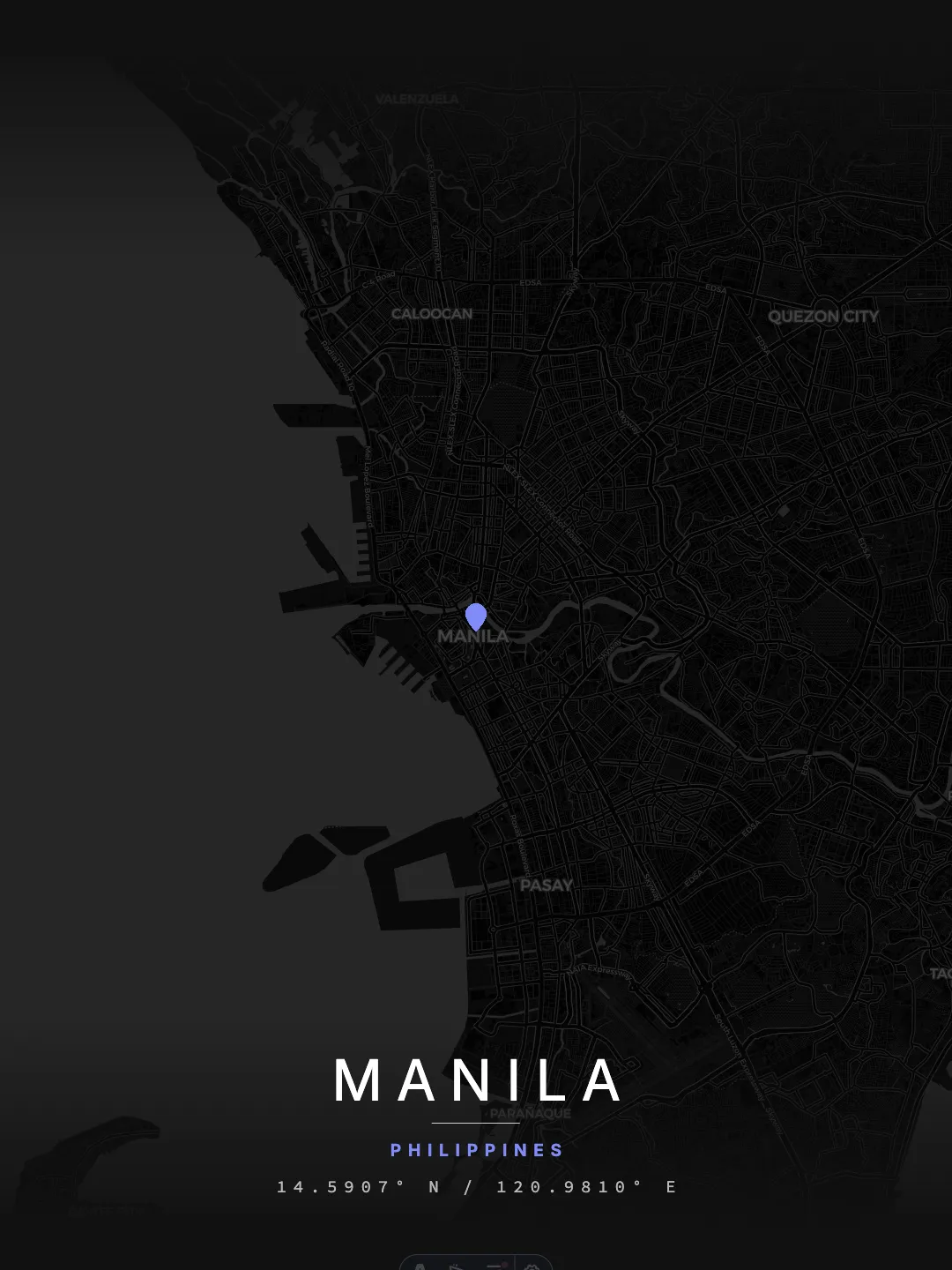
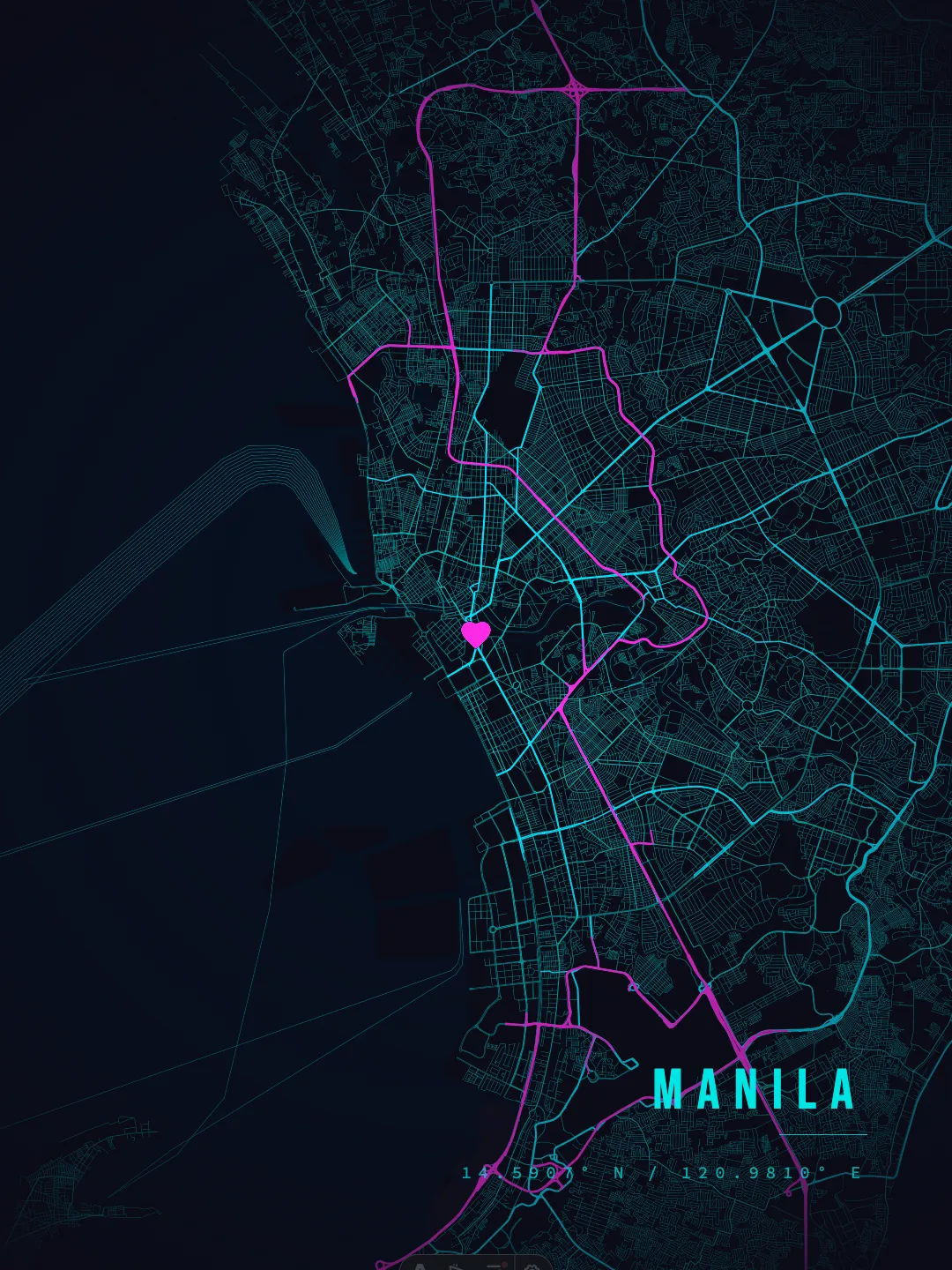
Dark map posters set Manila against deep night palettes — from the quiet Minimal Night grid to Cyber Noir and Luxurious Dark Gold. High contrast between the dark background and light street lines keeps the network crisp on the wall and pairs well with modern frames, dim rooms and home-cinema walls.

Open Manila in Studio

Dark Styles

Dark Manila map posters in this set.

Manila Midnight Grid dark map poster preview
Midnight Grid
Manila Minimal Night dark map poster preview
Minimal Night
Manila Cyber Noir dark map poster preview
Cyber Noir
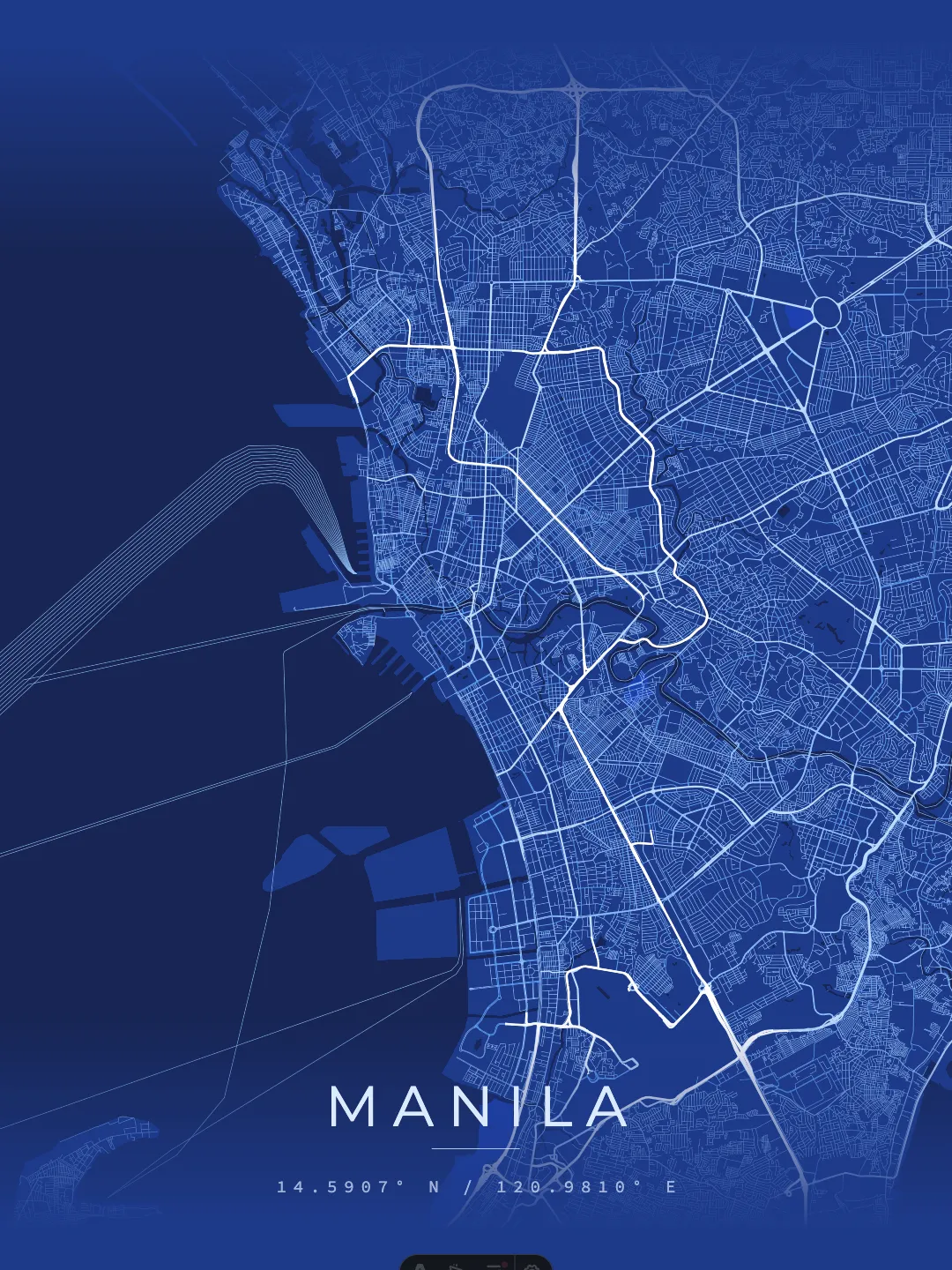
Manila Architectural Blueprint dark map poster preview
Architectural Blueprint
Manila Luxurious Dark Gold dark map poster preview
Luxurious Dark Gold

Every style above can be recolored, re-laid-out and exported at print sizes in the Studio. The fullposter style cataloglists all presets with framing guidance, and theManila city pageshows the complete Manila set.

FAQ

How many Manila map poster styles are available?

9 styles are published for Manila: Minimal Light, Midnight Grid, Minimal Night, Urban Contrast, Cyber Noir, Architectural Blueprint, Luxurious Dark Gold, Ethereal Minimalist, and Emerald Valley. Each one has a full preview in the gallery above, and every style can be recolored and re-exported in the Studio.

What sizes can I print the Manila map poster at?

The Manila posters are print-ready at 300 DPI for standard international frames: ISO A1, A2 and A3, European 50×70 cm, and US 18×24 in / 24×36 in. For best results print on heavyweight 200–250 gsm matte paper.

Where is Manila located on the map?

Manila sits at 14.59°N, 120.98°E, in the Northern & Eastern hemispheres, Philippines. Studio sessions for Manila open pre-centered on these exact coordinates, so the map framing matches the posters on this page.

What data is the Manila map based on?

Street networks, waterways and green areas come from OpenStreetMap contributors, licensed under the Open Database License (ODbL). The map geometry stays attributed on every Manila poster, and the data updates as OpenStreetMap is improved.

Can I customize the Manila map with my own colors or markers?

Yes. Open Manila in the Studio to change the palette, typography, passepartout border, markers and routes, then export at any standard print size — no account required.